
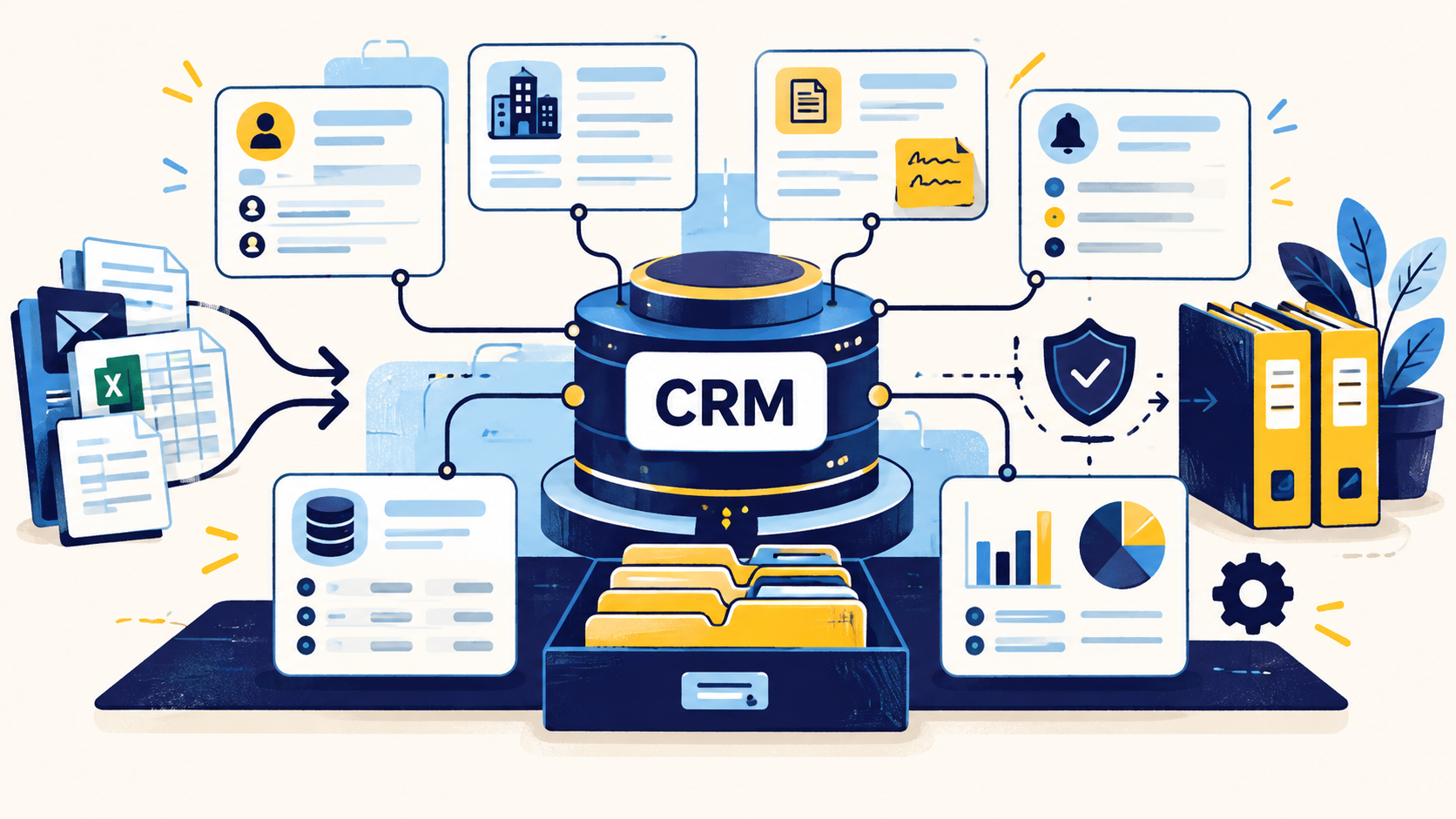
What CRM data management actually includes
Good CRM management covers the full lifecycle of a record: how it enters the system, which fields are required, who can edit them, how duplicates are handled, when stale data is refreshed, and what happens when records should be archived or deleted.
The practical goal is a CRM that supports decisions without forcing users to question every field. Salesforce guidance similarly treats data management as a continuous discipline that includes strategy, quality improvement, importing, duplicate management, maintenance, backup, and clear data definitions.
- Field definitions and naming standards
- Record ownership and stewardship
- Import and integration controls
- Deduplication and merge rules
- Enrichment and verification
- Permissions and access rules
- Recurring audits and cleanup
Start with a data dictionary
A CRM becomes difficult to manage when the same field means different things to different teams. A data dictionary solves that by documenting what each important field means, where it comes from, who owns it, the accepted format, and how it is used.
This is especially important for fields that drive automation or reporting. If 'Industry' can mean a vendor category, a rep's guess, or a standardized taxonomy, every downstream segment and dashboard becomes less reliable.
- Business definition
- Allowed values or format
- Source of truth
- Owner or steward
- Required vs optional status
- Automation and reporting dependencies
Control how data enters the CRM
Most CRM quality problems are cheaper to prevent than to repair. Define minimum required fields for manual entry, imports, web forms, and integrations. Standardize country, state, company name, phone, date, and status formats before those records reach production workflows.
Imports deserve special attention. A pre-import QA pass should check duplicate risk, missing required values, field mapping, allowed values, and whether incoming data would overwrite stronger existing values.
Separate source fields from judgment fields
Not every CRM field should be treated the same way. A legal company name or website can often be verified against an external source. A lead score or account priority is an internal judgment. Keeping that distinction clear makes QA easier and prevents enrichment tools from overwriting strategic fields they do not understand.
For external facts, store source and verification context when the field matters. For internal fields, document the rule or owner responsible for changing them.
Make deduplication and enrichment recurring
Duplicates, role changes, company moves, and stale contact details reappear over time. That means deduplication and enrichment should be scheduled processes, not emergency projects.
A practical cadence can include duplicate review, stale-record flags, title and company verification for active accounts, suppression updates, and targeted enrichment for records missing fields that affect routing or segmentation.
Assign ownership by field and process
A CRM with no owner eventually becomes a shared junk drawer. Assign responsibility for critical objects and fields. Sales operations may own pipeline fields, marketing operations may own campaign-source fields, and a data operations function may own normalization, matching, enrichment, and bulk maintenance.
Ownership should include escalation rules. When two sources disagree or a merge is risky, users should know who decides rather than creating another record or overwriting data silently.
Measure the health of the CRM
CRM health should be measurable. Track duplicate rate, required-field completeness, stale-record rate, invalid values, bounced business emails where relevant, and the share of records failing import or automation rules.
The point is not to create a dashboard full of vanity metrics. Pick a small set that reflects whether the CRM can support sales, service, reporting, and integrations without constant manual correction.
Common questions
What is CRM data management?
CRM data management is the set of processes used to collect, standardize, protect, maintain, enrich, deduplicate, and govern customer and account data throughout its lifecycle in a CRM.
Who should own CRM data quality?
Ownership can be shared by function, but each critical field and process should have a named owner. Sales operations, marketing operations, CRM admins, and data operations teams often divide responsibility.
How often should CRM data be reviewed?
High-impact data should be monitored continuously where possible, with recurring audits for duplicates, stale records, invalid values, missing required fields, and enrichment needs.
Is CRM cleanup the same as CRM data management?
No. Cleanup fixes existing problems. CRM data management includes cleanup plus prevention, standards, ownership, governance, imports, permissions, enrichment, and ongoing maintenance.
Final thoughts
CRM data management is the operating system behind trustworthy sales and customer data. It is not one cleanup project. It is the combination of field definitions, ownership, intake controls, deduplication, enrichment, permissions, maintenance, and review that keeps a CRM useful after thousands of records and dozens of users have touched it.
Need help improving your business data?
DataDabble can research, clean, enrich, and maintain the records your team depends on.


