
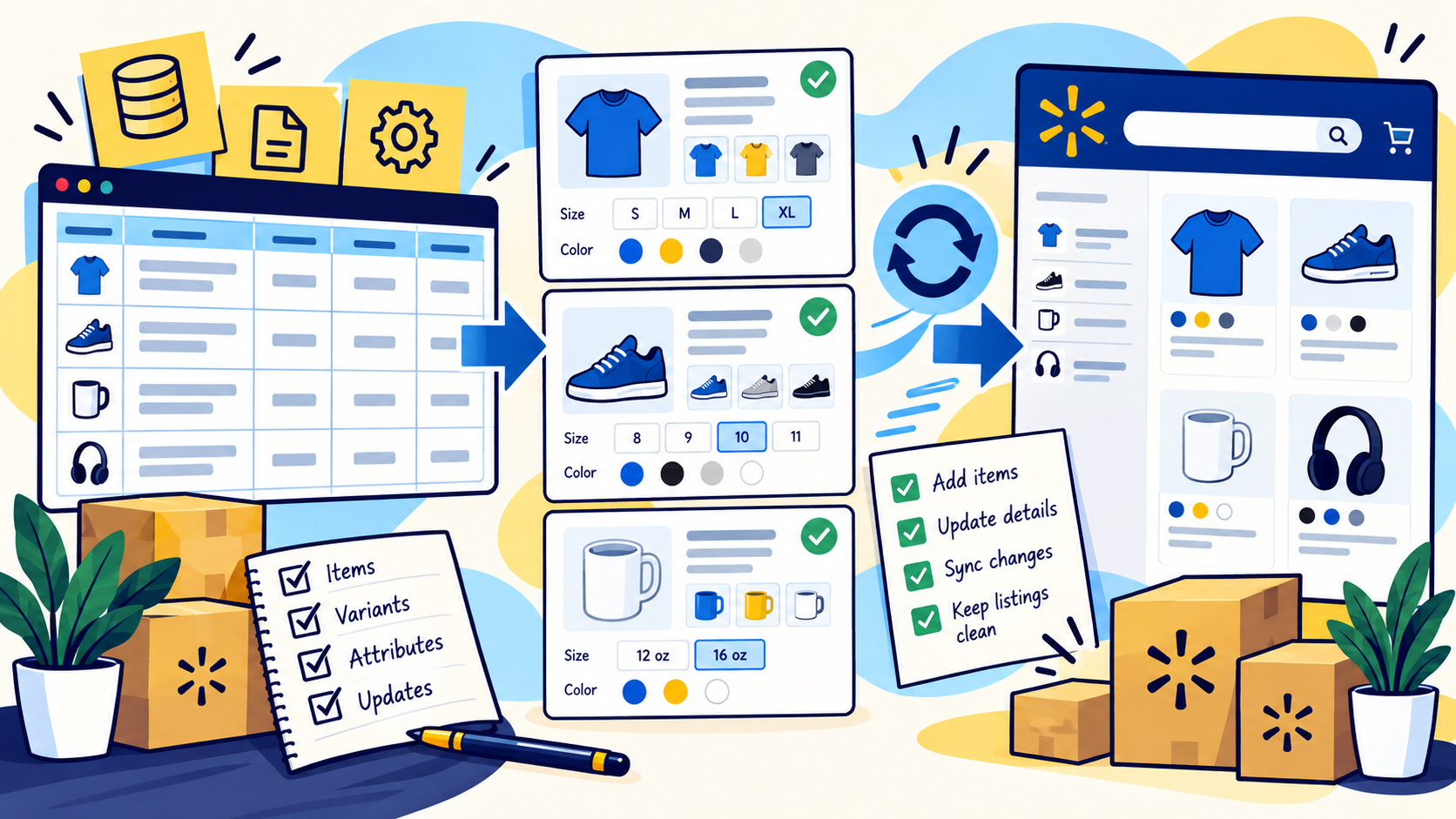
Start with product identity
Walmart uses product identifiers such as GTIN, UPC, EAN, and ISBN to help match items to its catalog. Before creating listings, confirm which identifier belongs to each sellable product and whether an exemption is legitimately needed.
Do not substitute internal SKUs for globally assigned product identifiers. The internal SKU is useful for your own catalog, while Walmart's matching process depends on the correct external product identity.
Choose the right item setup method
Walmart supports several catalog setup paths, including matching existing catalog items, full setup, spreadsheet-based bulk setup, and API or solution-provider workflows. The right method depends on whether the item already exists in Walmart's catalog and how many products need to be created.
For larger catalogs, use the latest supported template and test a representative sample before scaling the upload. A successful file upload is not the same thing as a healthy live catalog.
Treat product type as a schema decision
Product type affects the attributes Walmart expects. If the product type is wrong, required fields, content rules, and variation options can also be wrong.
Classify first, then map the required and recommended attributes for that product type. Keep uncertain products in an exception queue instead of forcing them into a convenient category.
Build variant groups around real product differences
A variant group should contain items that differ by valid variant attributes such as size or color while remaining the same underlying product. Each child should still have its own identifier and unique combination of variant values.
Walmart can unpublish variant items when duplicate variant values are found, so variant QA should check the group ID, product type, attribute combinations, and uniqueness before submission.
Use bulk templates for controlled updates
Bulk templates are useful for updating many items or variant relationships at once, but they should be treated as controlled change files. Export or document the current state first, edit only the intended fields, and preserve identifiers and relationships that should not change.
When a platform offers both single-item editing and bulk updates, reserve bulk work for changes that are truly systematic. Ambiguous exceptions deserve manual review.
Separate catalog content from offer data
Product content, price, inventory, and fulfillment are related but should not be treated as one giant record. Keeping these workflows distinct reduces the chance that a content correction accidentally changes availability or another operational value.
For multichannel brands, decide which system owns core product facts and which fields are Walmart-specific transformations.
Create a Walmart catalog QA routine
Review unpublished items, setup errors, duplicate identifiers, missing required attributes, broken variant groups, image issues, stale content, and unexpected category assignments on a recurring basis.
For large catalogs, prioritize exception reports and newly changed items instead of manually reviewing every healthy listing each cycle.
Common questions
What is Walmart catalog management?
It is the ongoing process of creating, structuring, updating, and quality-checking Walmart Marketplace items, attributes, identifiers, variants, and listing content.
What is a Walmart variant group?
It is a group of individual items that represent variations of the same product, such as different sizes or colors, and can be shown together on one item page.
Can Walmart catalog updates be done in bulk?
Yes. Walmart supports bulk spreadsheet templates and other integration methods for many catalog changes.
What should be checked before a large Walmart update?
Verify identifiers, product type, required attributes, variant relationships, template version, and the exact fields being changed. Test a smaller subset before a full-catalog update.
Final thoughts
Walmart Marketplace catalog work is easiest when product identity, item setup, variants, and update workflows are treated as separate operating decisions. Problems usually start when teams rely on ad hoc edits, reuse the wrong identifiers, or build variant groups before the product structure is clean.
Need help improving your business data?
DataDabble can research, clean, enrich, and maintain the records your team depends on.


