
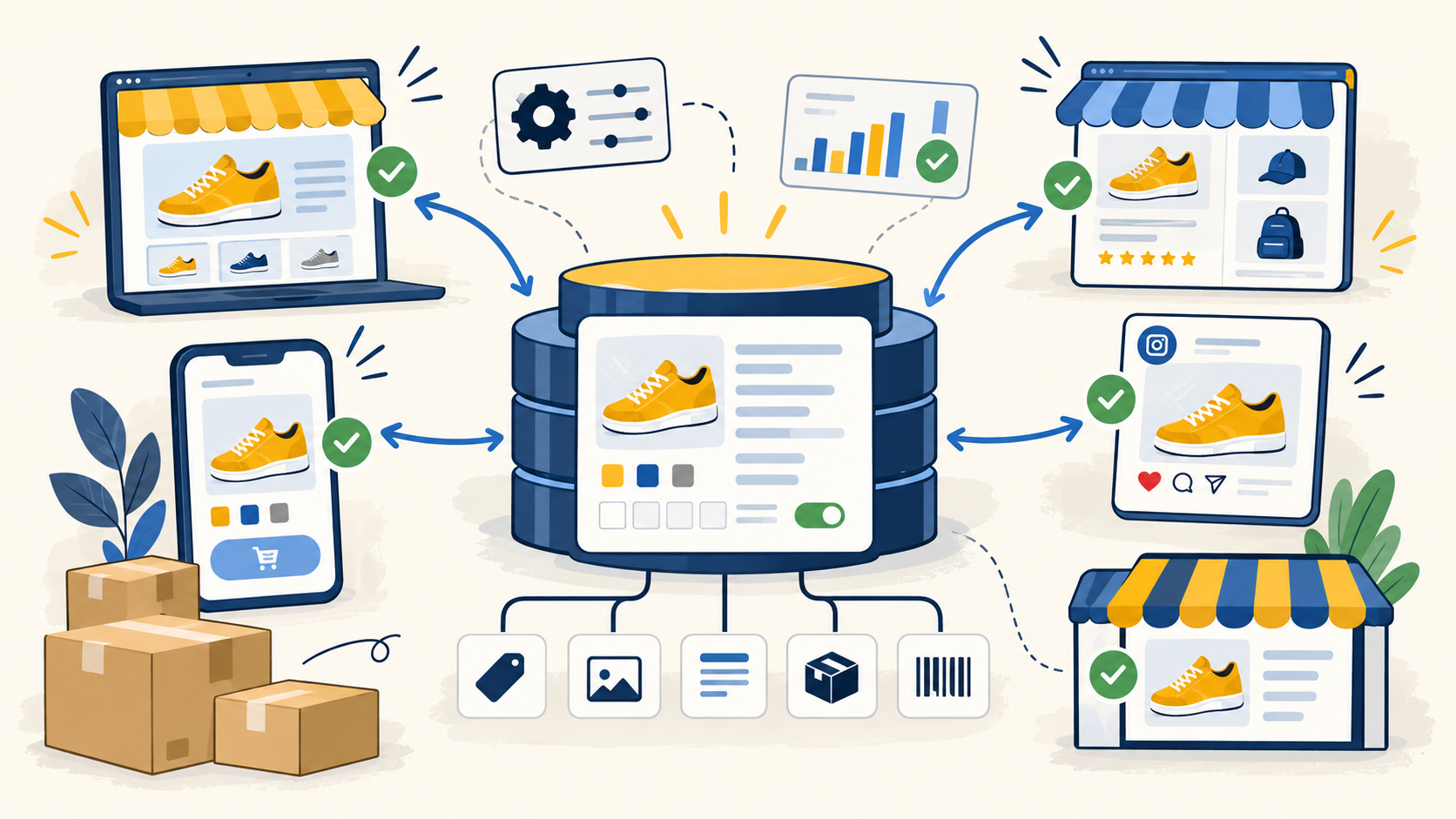
Decide whether Shopify is the source of truth
For smaller stores, Shopify may be the primary system for product data. For larger multichannel businesses, Shopify may instead be one destination fed by a PIM, ERP, marketplace platform, or master catalog.
Make that decision explicitly. If another system owns product facts, avoid turning Shopify into a second master record through uncontrolled manual edits.
Protect handles and product identity
Shopify uses product handles as unique product references in URLs and CSV workflows. Treat them as controlled identifiers instead of casual text fields.
When updating existing products by CSV, review handle behavior carefully because overwrite settings can replace values for matching products. Back up the catalog before large imports.
Design variants before bulk editing
Variant structure affects SKUs, inventory, images, options, and integrations. Shopify's own documentation warns that changing option values through CSV can create new variant IDs, which can break dependencies that rely on those IDs.
Define option names and values consistently before scaling the catalog. Treat variant restructuring as a controlled migration, not a routine text edit.
Use product categories and metafields deliberately
Product categories should follow a consistent taxonomy. Metafields should be reserved for structured information that the storefront, filtering, integrations, or operations actually use.
Shopify supports product metafields in product CSV imports and exports, which makes them useful for controlled bulk maintenance. Avoid creating overlapping metafields that represent the same concept under different names.
Understand CSV dependencies before importing
Shopify product CSVs have field dependencies. Updating variant-related data can require option columns to be present, and leaving dependent columns out can create errors or unintended variant behavior.
Use a current export or template, preserve UTF-8 encoding, test a small sample, and verify the result before running a large overwrite.
Keep inventory workflows separate from product content
Product CSVs and inventory workflows are not interchangeable. Inventory can depend on locations and fulfillment configuration, so teams should avoid using a content-focused product update as a substitute for deliberate inventory maintenance.
This separation reduces the risk that a catalog cleanup changes sellable quantity or fulfillment behavior by accident.
Create a recurring Shopify catalog QA routine
Review duplicate SKUs, blank identifiers, inconsistent vendors, malformed handles, unexpected variants, missing images, inconsistent categories, unused metafields, and products published to the wrong sales channels.
For stores that also sell on marketplaces, compare Shopify's core product facts with the master catalog and channel mappings so local edits do not quietly create multichannel drift.
Common questions
What is Shopify catalog management?
It is the ongoing process of structuring, maintaining, updating, and quality-checking Shopify product data, including products, variants, categories, metafields, media, and bulk imports.
Can Shopify product metafields be imported by CSV?
Yes. Shopify supports product metafields in product CSV import and export workflows when the metafield definitions exist.
Why can variant CSV updates be risky?
Changes to option values can create new variant IDs, and other systems or integrations may depend on the existing IDs.
Should Shopify be the master catalog for a multichannel brand?
It can be, but only if the business deliberately chooses it as the authoritative source. Larger multichannel operations often benefit from a separate master product record with Shopify treated as one destination.
Final thoughts
Shopify makes it easy to create products manually, which is exactly why catalog structure can become inconsistent as a store grows. Clean catalog management requires more than filling out product pages. Teams need stable handles, disciplined variants, standardized categories, intentional metafields, safe bulk-update processes, and a clear rule for what Shopify owns versus what comes from another system.
Need help improving your business data?
DataDabble can research, clean, enrich, and maintain the records your team depends on.


